How Hermes Agent creates reports and optimizes SEO
Quick Summary
Hermes Agent can turn a short request into a repeatable workflow for research, data synthesis, report writing, and SEO review. This guide shows how to configure web, browser, file, and memory tools; write prompts with verification criteria, produce sourced reports; and audit an article before publication. The goal is not to let AI replace the entire process, but to divide work clearly, save successful routines as skills, and keep a human review step for facts, search intent, and final quality.
A useful report usually consumes time in three places: finding sources, organizing evidence, and checking whether conclusions are actually supported. Hermes Agent fits this work because web search, browser automation, files, memory, delegation, and skills can live inside one workflow. Once configured well, a manual process can become a reusable routine for weekly reporting, content audits, and keyword research.
The practical method shared here is simple: research first, save evidence, draft last, and run SEO as a separate review stage. This is slower than asking an agent to write immediately, but the output is easier to verify and less likely to blur facts with assumptions.
Why Hermes Agent fits reporting and SEO
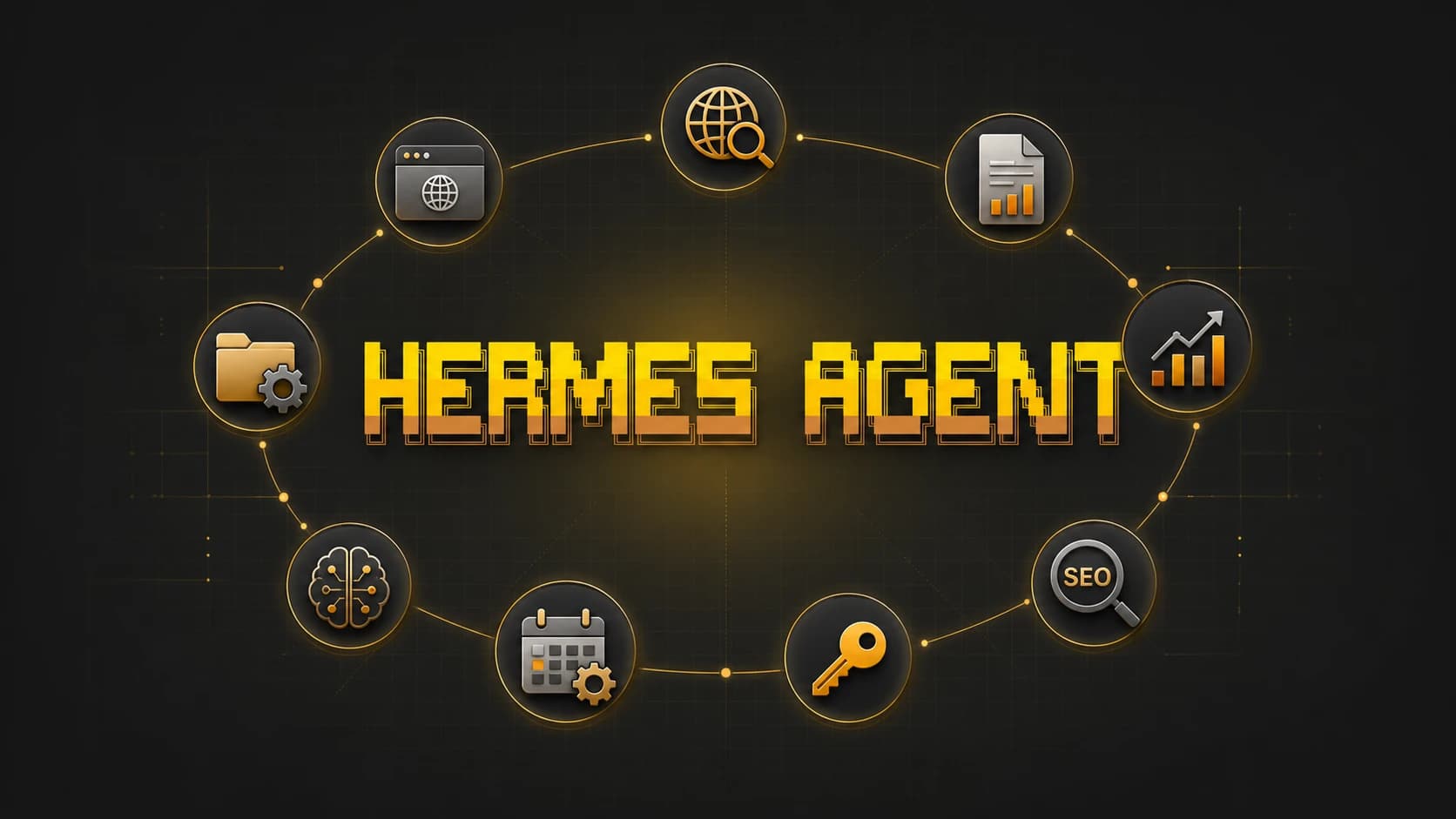
According to the official Hermes Agent documentation, the system includes more than 60 tools covering web search, browser automation, terminal, files, memory, cron, and delegation. Hermes also has a learning loop that can create skills from experience and improve them during use. That matters when a report or SEO checklist must run repeatedly.
If you are new to the platform, start with our introduction to Hermes Agent and its self learning system. This guide focuses on execution: turning a business question into a sourced report and turning a URL into an actionable SEO review.
Four tool groups to enable
- Web and search: discover sources and extract evidence.
- Browser: inspect rendered pages and interact when extraction is insufficient.
- Files: save briefs, source tables, drafts, and final reports.
- Memory and skills: retain brand rules, report formats, and proven procedures.
Use hermes tools to inspect and configure toolsets. For web research and file writing, enable only the relevant groups instead of granting broad terminal access. A smaller permission scope reduces accidental actions and produces cleaner logs.
Set up Hermes Agent for the first run
Install and choose a model
Follow the official quickstart, then run hermes setup to select a provider, model, and tools. Hermes supports Nous Portal, OpenRouter, OpenAI, and custom endpoints, so the reporting workflow does not depend on one model provider.
Use a model with sufficient context for source review, but do not spend flagship model pricing on every stage. Discovery, title normalization, and table formatting can use a cheaper model. Contradiction analysis and final synthesis deserve the stronger option.
Create a clear workspace
Give each project its own folder with brief.md, sources.md, notes.md, report.md, and seo-audit.md. This structure tells Hermes which file defines the request, which stores evidence, and which is the final output. It also makes later comparisons easier.
In a competitor report, I create one folder per month, list five sites in the brief, and require every conclusion to point to a row in sources.md. If a claim lacks evidence, Hermes must mark it as unverified instead of filling the gap.
Use Hermes Agent to create a sourced report
Step 1: Write a brief with a completion test
A useful brief answers five questions: who will read the report, which decision it supports, what time range matters, which sources are acceptable, and what sections the output must contain. A broad request such as researching the AI market encourages unnecessary scope.
The prompt I use is: “Read brief.md. Find no more than 12 official or reputable sources published within the last 90 days. Save the URL, access date, main evidence, and the passage supporting that evidence in sources.md. Do not write the report until the source table is complete. Create a conflict section when sources disagree.”
Step 2: Research before writing
Hermes provides web search and extraction, while browser automation is better for rendered pages and interactions. The Web Search and Extract documentation recommends browser navigation when summarization is not enough. Search broadly first, then open only important sources in the browser.
The best output at this stage is not polished prose. It is a clean source table containing title, publisher, URL, date, evidence, and confidence. Missing dates and authors should remain missing rather than being guessed.
Step 3: Synthesize around the business question
After sources.md is approved, ask Hermes to write report.md and separate facts, interpretation, and action. Readers can then see which statements are supported and which are analytical judgments.
During one content report, Hermes found that traffic declined when several pages lost internal links. Instead of claiming a search penalty, the report preserved two hypotheses: weaker internal architecture and lower search demand. The first action was restoring links and observing the result, not rewriting the entire site.
Use Hermes Agent for practical SEO
Start with search intent
Provide the URL, audience, and conversion goal, then ask Hermes to identify the primary intent, supporting questions, related entities, and page type visible in search results. A keyword list alone often creates content that repeats phrases without satisfying the reader.
A practical prompt is: “Inspect this URL with the browser. Identify one primary intent and three supporting intents. Compare the title, headings, introduction, topic coverage, internal links, and schema with five relevant results. Do not recommend keyword density. Every recommendation must name the location to change and the benefit for the reader.”
Run an on page checklist
Hermes can review titles, descriptions, canonicals, hreflang, headings, alt text, internal links, structured data, and duplicate content. Browser automation is useful because it sees the rendered page. Keep audit permissions separate from editing permissions so a review cannot silently modify production.
- Does the title describe the intent without duplication?
- Does the introduction answer the main question early?
- Do H2 and H3 headings create a clear reading path?
- Do internal links lead to deeper, relevant explanations?
- Does schema match content visible to users?
- Are image URLs valid and alt descriptions useful?
Create a content brief before drafting
Do not ask Hermes to write the SEO article immediately after research. Require a content brief with persona, intent, angle, H2 and H3 structure, evidence, internal links, and unresolved questions. Approve the brief before drafting.
For this Hermes Agent guide, the brief includes more than the phrase “Hermes Agent SEO.” It requires an explanation of toolsets, real prompts, browser permission warnings, a link to the foundational article, and a checklist for measuring the result.
Turn the workflow into a reusable skill
Hermes is distinguished by its skill system. The quickstart describes skills as instruction documents loaded when a task matches, while the learning loop can suggest preserving procedures after complex work. Once a reporting workflow succeeds two or three times, convert it into a skill instead of maintaining a long prompt.
What a reporting skill should contain
- Trigger conditions and accepted inputs.
- Required folder and file names.
- Source selection rules and conflict handling.
- Report format, source table, and unverified section.
- A review checklist before delivery or publication.
For an SEO skill, add rules that prevent production edits, forbid unsupported schema, and protect canonical URLs. These safeguards are more important than a keyword list because they stop plausible but harmful changes.
Schedule reports with cron
Hermes supports scheduled automation and delivery to messaging platforms. A weekly report can run on Monday morning, collect new evidence, compare it with the previous week, and send a summary. Automate reading and synthesis, but keep publication and SEO changes behind approval.
Mistakes I encountered
The objective is too broad
“Analyze the entire website” produces a long output with little direction. “Find three evidence backed causes for an impressions decline in tool articles” produces a smaller report that supports action. Scope should connect to a decision.
Writing begins before source review
Polished prose can hide weak sources. Separating sources.md from report.md makes errors visible. Review the evidence table before synthesis.
SEO is reduced to one score
A single score does not explain what to change. Hermes should return an issue, evidence, priority, effort, and a validation method. Recommendations that cannot be measured should rank lower.
The workflow never becomes a skill
If the same prompt needs correction every week, the learning loop is being wasted. Record mistakes, update the checklist, and improve the skill after every run.
How should you start?
Choose one small report, no more than five sources, and one clear decision. Create a brief, ask Hermes for a source table, approve the evidence, and only then permit report writing. Use the same evidence for a content brief or SEO audit, but do not let the agent publish automatically.
Once the process is stable, save it as a skill and add a final review checklist. Hermes Agent is most valuable not because it writes one report faster, but because it turns a good method into a procedure that can be repeated, inspected, and improved over time.