NotebookLM is now Gemini Notebook: What's New?
Quick Summary
Google officially renamed NotebookLM to Gemini Notebook on July 16, 2026, while keeping it as a standalone, source-grounded product. The upgrade adds a secure cloud computer that can write code, analyze data, and generate charts inside a notebook. Users can export PDF reports, Word documents, Excel workbooks, PowerPoint decks, CSV, JSON, and multiple image formats. Notebooks now sync with the Gemini app and are planned for AI Mode in Google Search. Familiar features such as citations, Audio Overviews, Video Overviews, mind maps, and flashcards remain available. Agentic tools and code execution are rolling out by account tier, so access is not yet universal. This article explains the most important changes and how to use Gemini Notebook effectively.
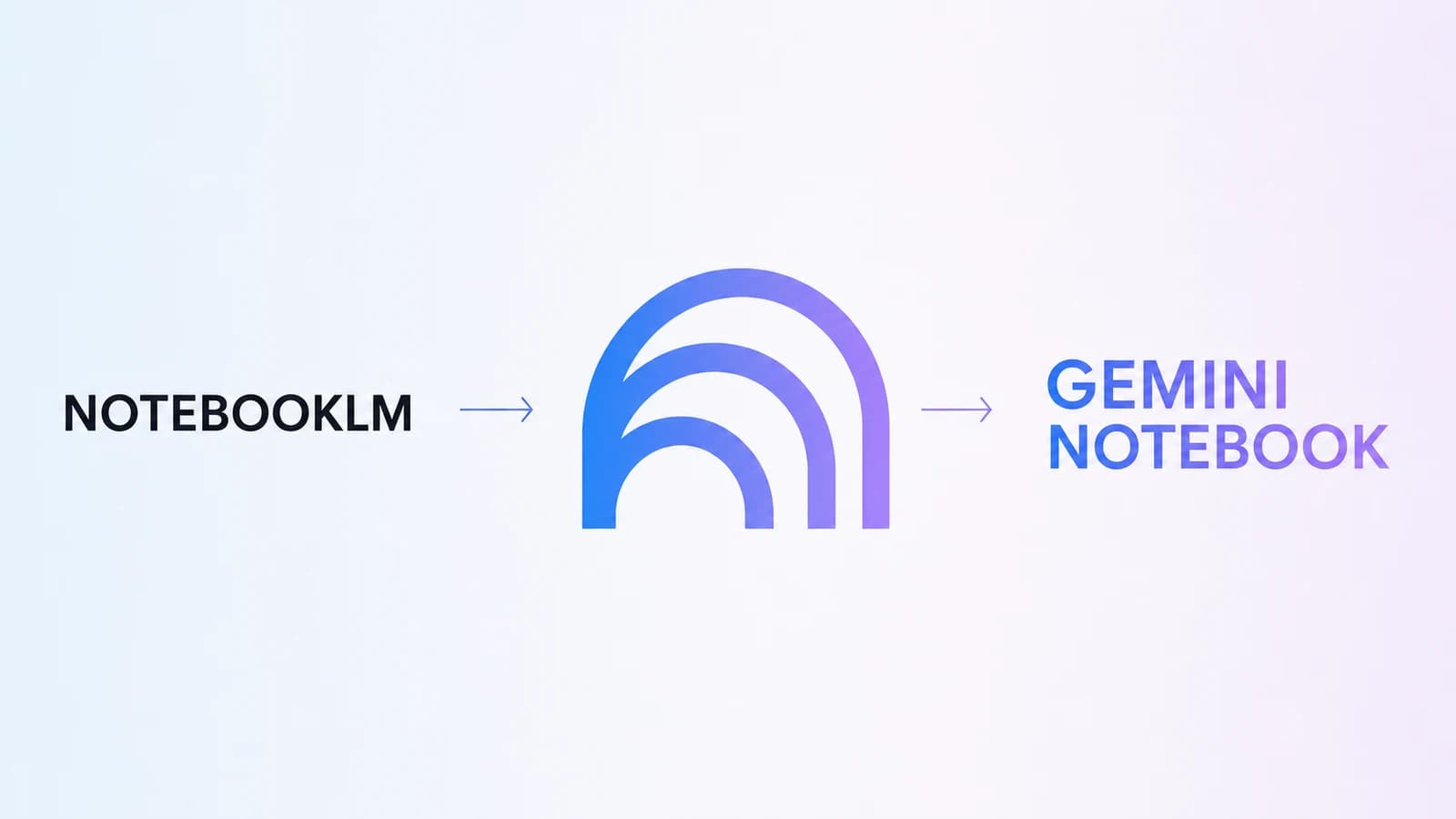
NotebookLM officially became Gemini Notebook on July 16, 2026. The new name marks its evolution from a document Q&A tool into an AI research workspace that can run code, analyze data, create reports in multiple formats, and follow users into Gemini and Google Search. This article explains what has actually changed, which features remain, and who can use the new upgrades.
Gemini Notebook is still the familiar NotebookLM
Google confirms that Gemini Notebook remains a standalone product focused on research and learning. Existing users do not need to move their data to another service. Notebooks, sources, notes, and generated content remain within the same experience, while the new name makes the product a more recognizable part of the Gemini ecosystem.
The core of the tool is unchanged. Users collect PDFs, websites, YouTube videos, audio files, Google Docs, or Google Slides in individual notebooks. When asked a question, Gemini Notebook responds based on the selected sources and provides citations that take readers to the relevant passage. This approach is especially useful when a claim needs to be verified instead of accepting an unsupported answer from a chatbot.
The rename follows a journey that began with Project Tailwind at Google I/O 2023. According to Google, the product now has more than 30 million users and is used by over 600,000 organizations. The Gemini Notebook name therefore reflects a new stage of maturity in which a notebook is no longer simply a place to read documents but a workspace for research, analysis, and complete deliverables.
How does Gemini Notebook run code?
The most notable technical change is that each notebook can be equipped with a secure cloud computer. Put simply, Gemini Notebook has its own environment for writing and running code for research tasks. The tool can clean data, perform calculations, compare multiple datasets, build charts, or test a hypothesis instead of only summarizing text.
From document Q&A to actionable analysis
Previously, NotebookLM stood out for its ability to read multiple sources and provide citation-backed answers. With a code execution environment, Gemini Notebook goes one step further: it can manipulate data to produce new results. An analyst can import data from several countries with inconsistent formats, ask the tool to standardize it, run calculations, and then create charts and a report.
Google says the system also includes more than 100 curated software skills. Even so, it is still an AI system that can make mistakes. Users should review the code, calculations, input data, and conclusions, especially when the results are used for financial, legal, medical, or business decisions.
Which output formats can Gemini Notebook create?
Gemini Notebook is no longer limited to text reports. From the data and documents in a notebook, users can request PNG or SVG charts, PDF reports, Word files, Markdown, plain text, CSV, JSON, Excel, and PowerPoint. The system also supports images, data tables, infographics, and slides, while allowing users to revise generated versions.
One source collection, many ways to present it
The same training material can be turned into a management report, presentation slides, a spreadsheet for an operations team, and an Audio Overview for people who prefer listening. Students can create flashcards, quizzes, mind maps, or a Video Overview. Content teams can build comparison tables and infographics without copying the same data through too many tools.
- Research: find sources, cross-read documents, cite evidence, and create reports with charts.
- Data analysis: standardize tables, run code, export CSV or XLSX files, and visualize results.
- Learning: create study guides, flashcards, quizzes, audio, video, and mind maps.
- Teamwork: build a knowledge base, share viewer or editor access, and track usage.
The real value does not lie in the number of formats but in the fact that they are created from the same source collection. When users want to change the perspective or target audience, they can adjust the request without rebuilding the entire context.
Where does Gemini Notebook appear in Google’s ecosystem?
Gemini Notebook has started appearing in the Gemini app. Notebooks created in the standalone product can appear in Gemini’s navigation, while notebook name changes, added sources, and updated custom instructions are synchronized across apps. Users can therefore continue chatting with their knowledge base without always returning to a separate tab.
Google also plans to bring notebooks into AI Mode in Search. Once completed, this direction could turn a notebook into a personal context layer that follows users from web research to conversations with Gemini. However, shared notebooks and conversations in Gemini have separate rules for visibility, sharing, and data retention; organizational users should review the policies for their Workspace plan.
How to get started with the new name
- Open Gemini Notebook with a Google account and create a notebook for one specific goal.
- Add trustworthy sources, then check how the tool categorizes and cites them.
- Start with narrow questions before requesting deep research, data analysis, or output files.
- Review citations, calculations, and the final version before sharing.
Existing users can continue visiting the familiar NotebookLM address during the transition. The tool slug on 4AIVN also remains unchanged so old links do not break, while the name and content have been updated to Gemini Notebook.
Does the rename make Gemini Notebook more useful?
A name alone does not change research quality. What makes this rename notable is that Google is combining three layers of capability in one product: citation-backed sources, a code execution environment, and the ability to bring notebooks into Gemini and Search. If rolled out reliably, Gemini Notebook can shorten the path from reading documents to analysis and finished deliverables.
However, not every feature is immediately available to everyone, and AI-generated output still needs to be checked. The most effective approach is still to choose strong sources, separate notebooks by clear goals, request specific outputs, and keep a person in the final approval step.