
Gemini Notebook
AI Research
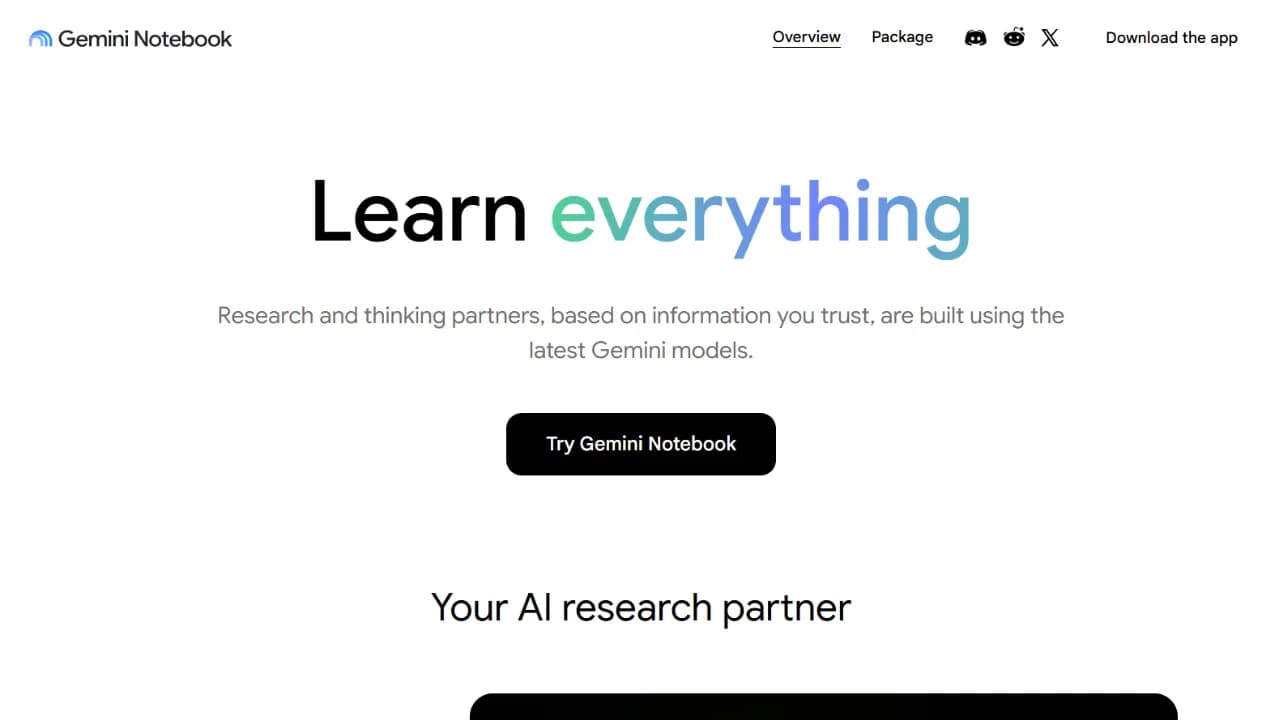
Gemini Notebook is Google’s AI research assistant, formerly known as NotebookLM. It helps users collect sources, ask citation-backed questions, analyze data, and turn research into reports, tables, audio, video, and other useful formats.
What is Gemini Notebook?
Gemini Notebook is the new name for NotebookLM, Google’s AI research assistant. It remains a standalone product and keeps its source-grounded approach. Users can add PDFs, websites, YouTube videos, audio files, Google Docs, or Google Slides, then chat with that collection and verify answers through inline citations.
The renamed product is more deeply connected to the Gemini ecosystem. Notebooks can appear in the Gemini app, changes can sync across apps, and Google plans to bring notebooks into AI Mode in Search. On eligible plans, each notebook also receives a secure cloud computer that can write and execute code, analyze data, research the web, and produce files such as PDF, DOCX, XLSX, PPTX, CSV, JSON, charts, and images.
Alongside source-grounded chat, Gemini Notebook continues to offer Audio Overviews, Video Overviews, mind maps, reports, data tables, flashcards, quizzes, infographics, and slide decks. It is a strong fit for turning a large source collection into structured knowledge, although users should still inspect citations and verify analysis before relying on it for important decisions.
Key Features
- Chat with source material and receive inline citations that make each answer easier to verify.
- Import PDFs, websites, YouTube videos, audio, Google Docs, and Google Slides, or discover additional web sources.
- Create Audio Overviews, Video Overviews, mind maps, reports, data tables, flashcards, quizzes, infographics, and slide decks.
- Sync notebooks with the Gemini app, with notebooks also planned for AI Mode in Google Search.
- Write and execute code in a secure cloud computer for deeper data analysis on supported plans.
- Export work as PDF, DOCX, Markdown, CSV, JSON, XLSX, PPTX, PNG, SVG, and other useful formats.
- Share notebooks with viewer or editor access and view usage analytics for eligible shared notebooks.
Use Cases
- Organize study material and generate study guides, quizzes, flashcards, and audio or video summaries.
- Research a topic across many sources, compare perspectives, and trace claims back through citations.
- Clean, analyze, and visualize data with code, then export spreadsheets, charts, and finished reports.
- Build a shared knowledge base for employee onboarding, projects, or research teams.
- Turn long reports into slide decks, infographics, data tables, or audience-specific briefing documents.
- Start with an initial question, discover relevant web sources, and organize them into a structured notebook.
Who Is It For
Pricing Plans
- Standard access: Includes core research features, with notebook, source, and generation limits determined by account type.
- Expanded access: Eligible Google AI Pro, Ultra, and Workspace plans provide higher limits; agentic tools, code execution, and newer export formats may roll out by plan.
Frequently Asked Questions
Reviews & Comments
How do you rate Gemini Notebook?
All Reviews
Người dùng ẩn danh
"Quá ngon cho ai cần nghiên cứu một vấn đề gì đó với AI"