
Firebase Studio
Coding
Firebase Studio is a web-based Integrated Development Environment (IDE) designed to streamline and accelerate the construction and management of modern web applications. By blending the robust capabilities of Firebase with premier web frameworks like Next.js, React, and Genkit, and supercharging the workflow with AI, it enables developers—from beginners to seasoned professionals—to build high-quality products with ease.
What is Firebase Studio?
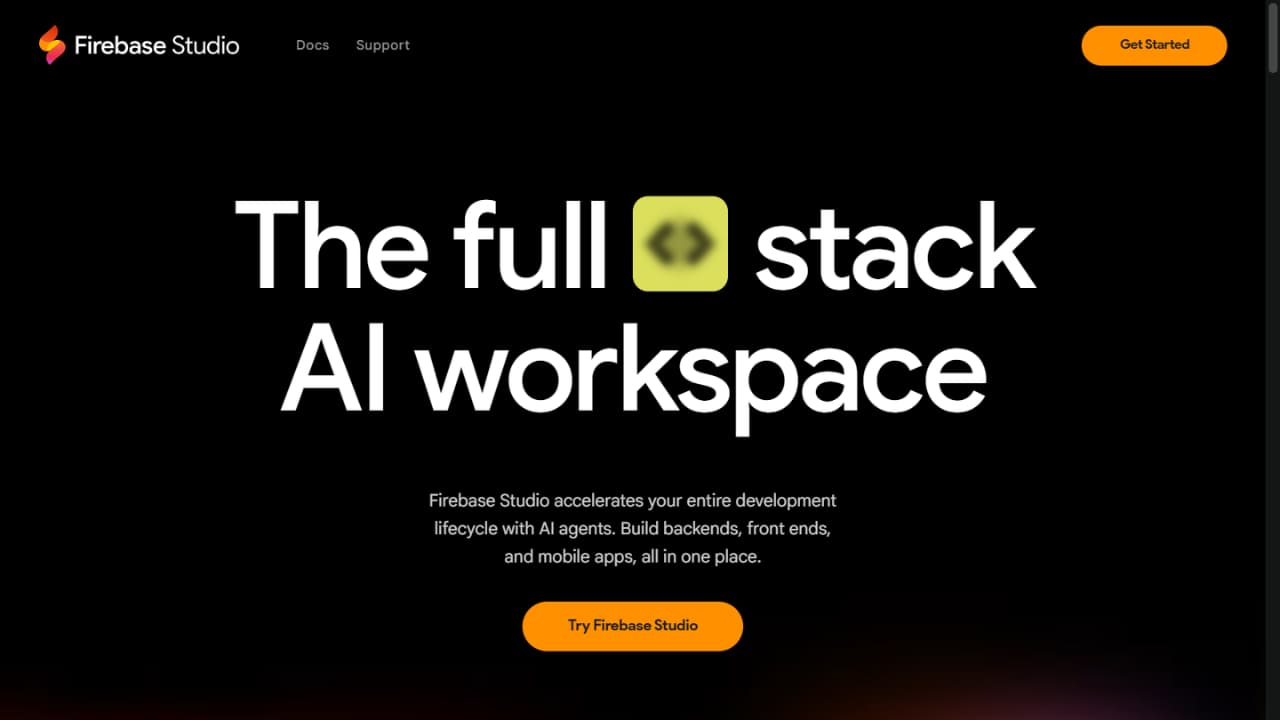
Firebase Studio is a browser-native Integrated Development Environment (IDE) engineered to simplify and accelerate the development and lifecycle management of modern web applications. The platform merges the robust backend infrastructure of Firebase with top-tier web frameworks like Next.js, React, and Google Genkit, all integrated with developer-focused AI tools to ensure high-quality software output for both beginners and experts alike.
Firebase Studio provides a holistic workspace, freeing developers to focus purely on creating unique business value rather than wrestling with cloud infrastructure setup. Offering real-time in-browser code compilation and context-aware AI assistance, developers can quickly manifest ideas from layout design to the deployment of complex generative AI features.
Key Features
- Direct, real-time code editing directly inside the browser.
- Pre-configured integration with modern web frameworks (Next.js, React).
- AI-assisted development to multiply coding velocity.
- Deep, native integration with core Firebase services (Firestore, Auth, Functions).
- One-click deployment with Firebase Hosting.
- Access to a massive developer community and rich documentation libraries.
Use Cases
- Build feature-rich web applications.
- Rapid prototype development (MVPs).
- Integrate generative AI capabilities into client-side apps.
- End-to-end full-stack development, linking frontend, backend functions, and databases.
Who Is It For
Pricing Plans
- Spark Plan (Free): Provides a generous monthly free tier across most Firebase services, ideal for learning, prototyping, and small projects.
- Blaze Plan (Pay-as-you-go): Built for production scale, charging only for resources used beyond the free tier. This represents a highly flexible and cost-efficient scaling model as your application expands.
Frequently Asked Questions
Reviews & Comments
How do you rate Firebase Studio?
All Reviews
Người dùng ẩn danh
"Đối với người không biết nhiều về code thì không ngon như lovable, wordpress nhưng đối với người biết code thì quá sức là ngon luôn"