Canva AI
AI Image Generation
Canva AI, also known as Magic Studio, is a suite of over 25 integrated AI tools in Canva designed to help everyone from individual creators to large enterprises generate professional designs, images, videos, and copywriting quickly and effortlessly.
What is Canva AI?
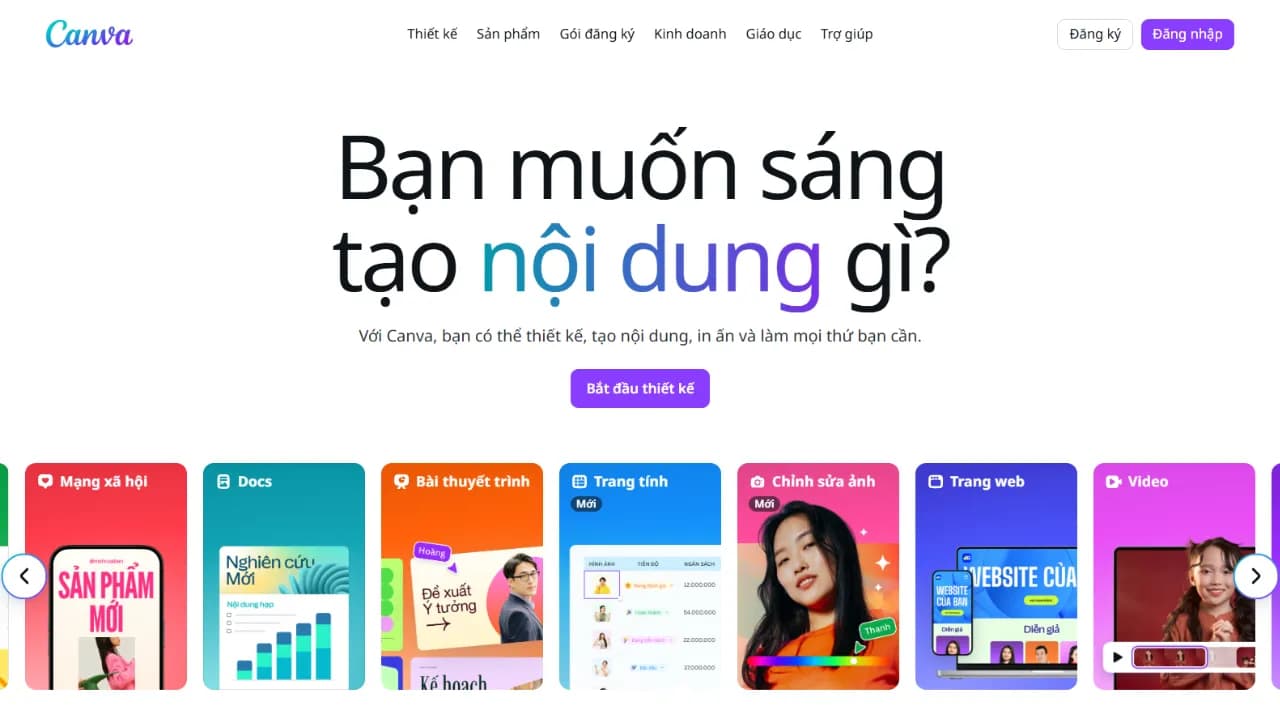
Canva AI is not a standalone application but rather a powerful suite of over 25 AI tools, collectively known as "Magic Studio," seamlessly integrated directly into the Canva editor. This integration elevates Canva from a simplified graphics editor into a comprehensive creative ecosystem supercharged by artificial intelligence.
Empowering over 220 million monthly active users worldwide, Canva AI allows creators to transform text prompts into stunning images and videos, and optimize layouts without ever leaving the editing board. The tools work in harmony to deliver a friction-free design experience.
Core features include:
- Magic Write: An AI writing companion to generate drafts for social copy, slide outlines, or advertisements right inside your design.
- Magic Media: Convert natural language descriptions into highly customized, unique images and short videos.
- AI Background Remover: Erase backgrounds from photos and videos instantly in a single click.
- Magic Expand & Magic Grab: Intelligently fill pixels beyond the original crop or isolate and move individual assets within an existing photo.
- Magic Design: Instant creation of customized, complete templates and mockups from a brief text query.
- Magic Resize: Automatically scale and crop designs into multiple sizes for diverse platform standards.
- Magic Animate: Apply professional animations and transitions to static assets effortlessly.
Moreover, Magic Studio integrates smart productivity features, including automated meeting note sorting, whiteboard concept clustering, and converting raw brainstorming sessions into polished presentations, boosting overall creative throughput.
Key Features
- Magic Write (AI-powered text generation)
- Magic Media (Text-to-image and text-to-video generation)
- AI Background Remover (Instant image and video background erasure)
- Magic Expand & Magic Grab (Intelligent cropping and asset isolation)
- Magic Design (Complete mockup generation from text prompts)
Use Cases
- Create marketing assets: social posts, Facebook and Instagram ads.
- Produce documents and pitch decks: complete slide presentations.
- Generate customized images and video assets from text descriptions.
- Draft copies: blog outlines, marketing emails, copy variants.
- Design interactive media: event invites, custom timelines.
Who Is It For
Pricing Plans
- Free Plan: Limited monthly AI usage (approx. 50 generations/50 credits).
- Canva Pro: Premium AI access (approx. 500 generations/150 credits per month).
- Canva for Teams: Premium AI access tailored for collaboration, billed per user annually.
- Canva Enterprise: Enterprise-grade AI usage, fully tailored to large-scale operations.
- Free for verified K-12 educators/students and registered non-profit organizations.
Frequently Asked Questions
Reviews & Comments
How do you rate Canva AI?
All Reviews
Người dùng ẩn danh
"Khá ngon"